
Useful from the first sheet
Organize one photo box, then choose which memories become playable.
Story Codes are the free, printable starting point for a photo archive that still lives in the real world: old boxes, album pages, envelopes, recipe cards, keepsakes, and the people who remember what happened.
Print codes
Ask for the story
Choose favorites for Story Dock
Start with the pile on the table. Give each physical thing a stable code, then use that code to ask, record, identify, sort, and export.
Organize one photo box, then choose which memories become playable.
The code belongs next to the album page, envelope, sleeve, backing card, or printed duplicate.
Keep the archive readable as folders, CSV files, notes, and audio files.
Give each item a simple code, ask the right person, and keep the answer connected to the physical photo.
Make a sheet of simple Story Codes for a box, album, branch, event, or classroom project.
Place each code on a sleeve, slip, backing card, envelope, or duplicate print.
Use the code as the prompt: “Who knows the story behind SD-014?”
Choose favorites for Story Stickers or playable dock memories.
Start with ordinary printer paper or common Avery label sheets. Plain formats are easy for sorting; square labels feel more like a small archive kit.
This sample opens the public Story Codes page. Private Story Sticker tokens use separate, owner-controlled links. Logo-centered codes use high error correction and need real print tests before broad use.
Use them anywhere the physical item matters: a photo box, album page, envelope, classroom table, or keepsake drawer.
Sort unknown, identified, story needed, recorded, favorite, and make playable.
Connect photos to people, places, dates, and optional family-tree references later.
Give each table photo or prompt card a simple question for guests and relatives.
Let students label objects, ask better questions, and export a small archive.
Story Codes help with the big sorting job. Story Dock is for the memories you want to hear in the room.
Use printable sheets, common labels, and a one-photo-box guide.
Keep names, notes, status, and audio in a format you can export.
Use temporary recording links for remote relatives and review what comes back.
Promote selected codes to Story Stickers so the best memories play in the room.
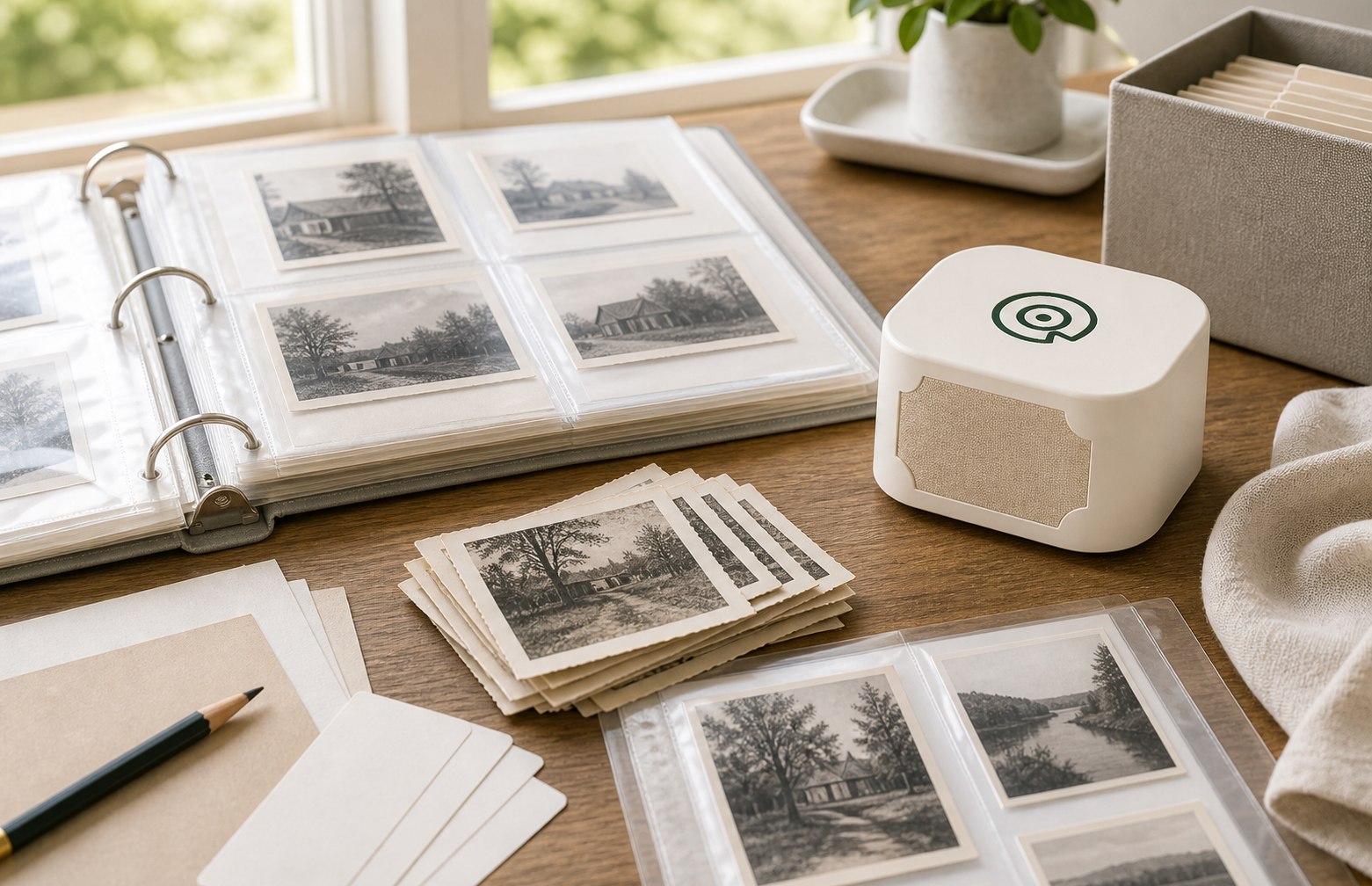
Codes are for scale. The dock is for presence. If someone labels a hundred photos, the natural next question is which five deserve to be heard at the table, on the nightstand, or inside an album.
Story Codes can stand alone as a free workflow for organizing physical memories. Story Dock becomes the playback layer for the memories people choose as favorites.
The simplest Story Codes format is printable and exportable. Hosted links belong where limits, ownership, backup, and cost are clear.
A Story Code gives the physical item a durable memory identity that can appear in a CSV, printed sheet, folder name, audio file, support note, and eventually a Story Dock playback record.
Use duplicate prints, sleeves, slips, album pages, or backing cards. Do not put unknown adhesive directly on original photos.
Tell me which box, album, or person you would start with. That is the best signal for the first printable Story Codes release.
The first release starts small: printable, exportable, and useful from the first sheet.
Join the first test