
Tap
Touch the top of the iPhone to the Story Sticker.
A Story Sticker opens the phone recorder. Tap it with your phone, record one memory, and hear it there first. Add it to your Library when you want it with your Story Dock.
Tap a sticker
Record one memory
Add to Library
The sticker opens the useful part: a place to record the voice that belongs with the photo.
Touch the top of the iPhone to the Story Sticker.
The phone browser opens a simple recorder while the photo is still in hand.
Hear the saved memory on the phone first. Add it to your Library when you want it with your Story Dock.
A Story Sticker can carry the first recording from a phone. Add more stickers when another photo has a story worth keeping. Story Dock turns the favorites into a shared listening ritual at home.
Prewritten tap links with short printed Sticker IDs.
A photo-adjacent place to start when you do not want anything on the original photo.
Favorite memories can play from Story Dock after they sync.
Use sleeves, album pages, backing cards, or duplicate prints for irreplaceable originals.
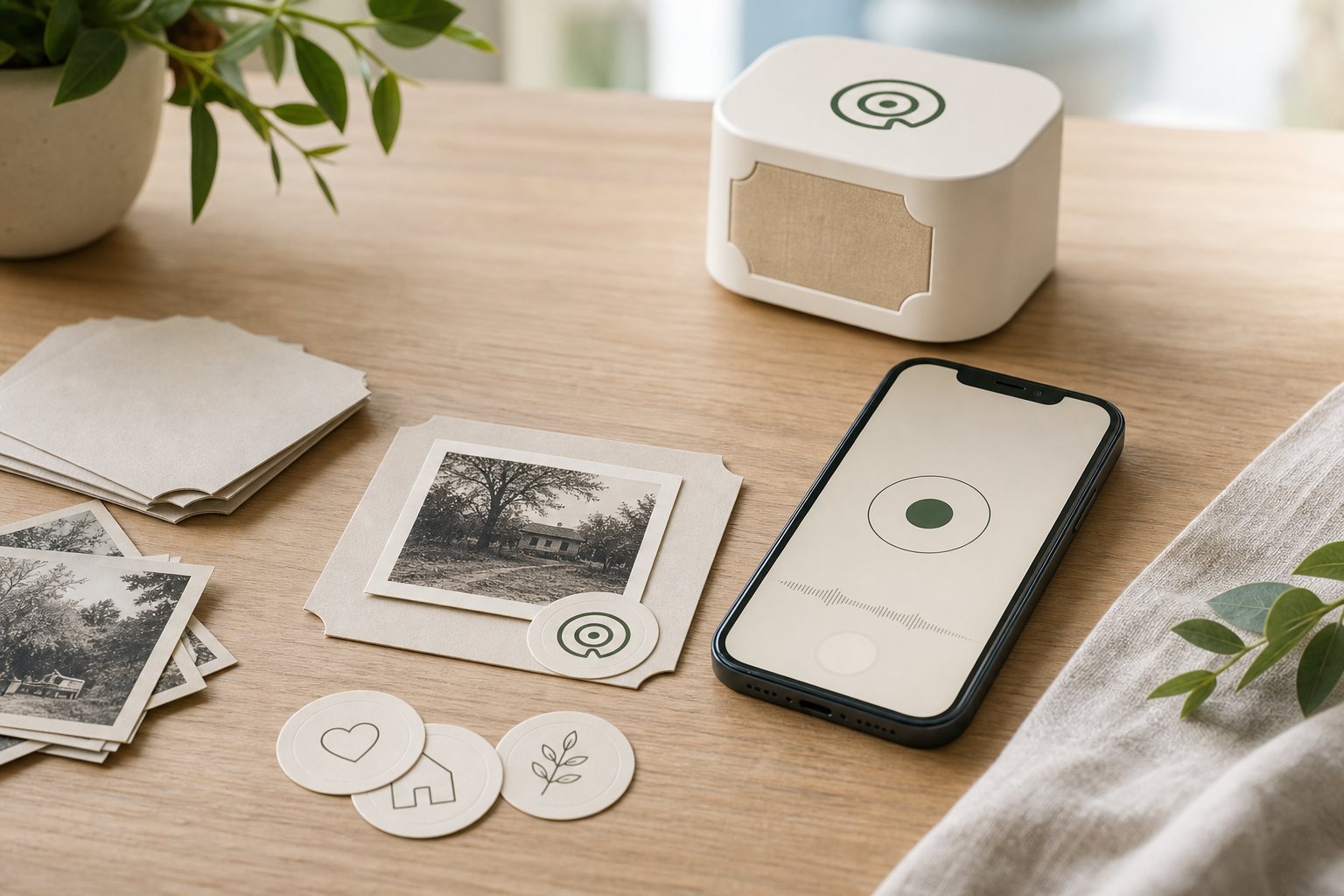
A Story Sticker opens a simple recording page in the phone browser. Record there, or upload a voice memo for the first save.
The simplest path uses Story Dock-supplied stickers or cards that already open the tap flow, with quiet Sticker IDs printed where a helper can find them.
Use Story Dock-supplied stickers or cards with printed Sticker IDs.
Use sleeves, album pages, backing cards, or duplicate prints for delicate photos.
Keep Story Stickers organized, make lost stickers revocable, and export saved memories.
Record one voice first. If the moment works, keep going photo by photo. The same Story Stickers can play from the phone now and from a Story Dock later.
After the first memory, the owner account keeps each Story Sticker organized, makes lost stickers revocable, and keeps recordings together.
The decorative face can stay quiet. Sticker IDs and QR fallback can live on setup cards, support cards, or backing sheets.
For the first test, use duplicate prints, sleeves, album pages, backing cards, or other non-original surfaces for anything irreplaceable.
A Story Sticker works like a physical listening key. Anyone holding the sticker, or anyone who receives a copied tap link, may be able to listen. Treat it like a private photo. The owner can require account sign-in for phone listening or disable the sticker in Library. A Story Dock that already synced a memory may still keep its offline copy.
The first tests are for people ready to start with one real photo: tap a sticker, record a memory, and hear the voice again.
Join for founder updates and early tester invites when the first Story Stickers are ready.
Join the first test