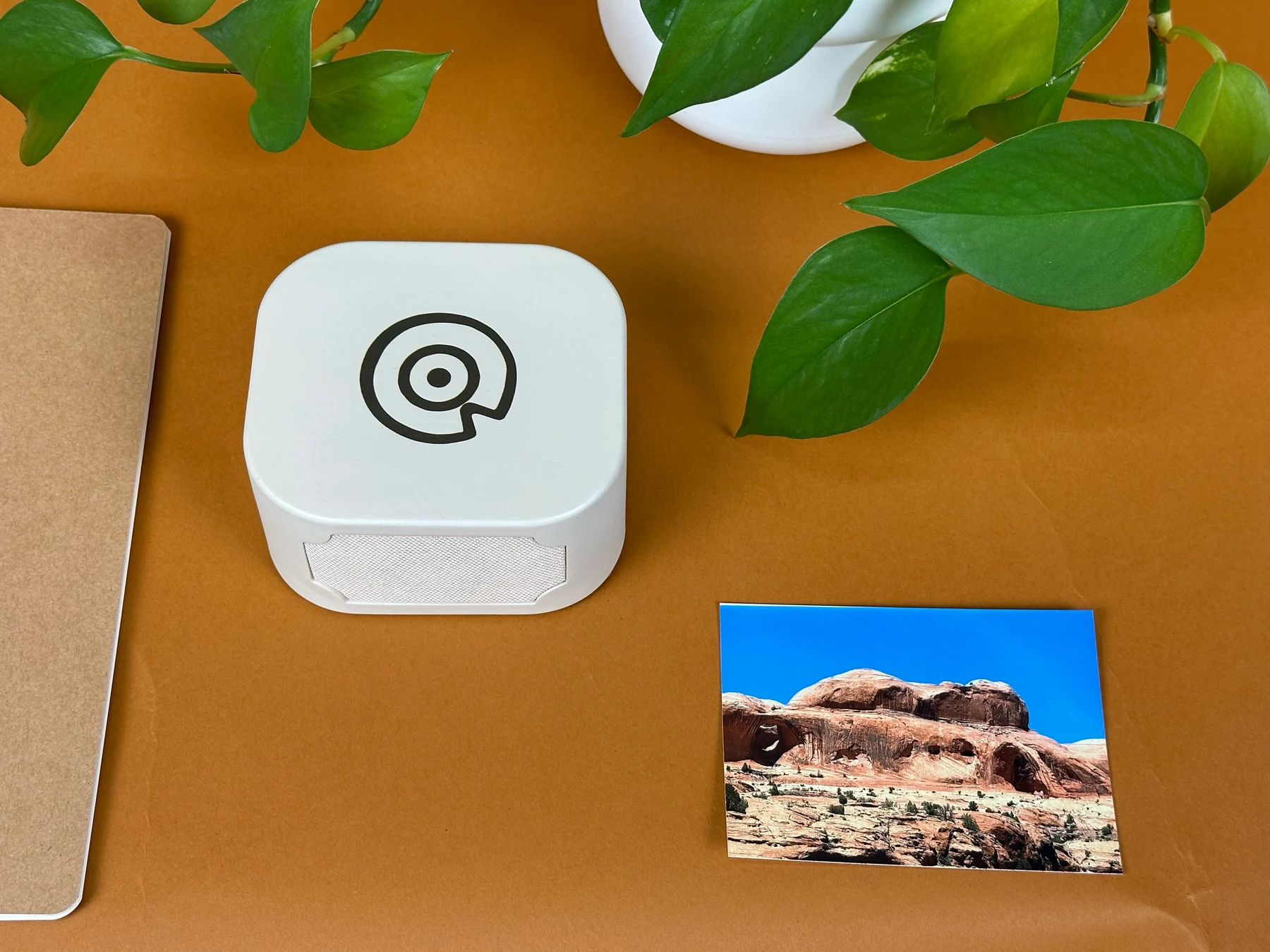
Tap the photo. Hear the person.

Story Dock turns printed photos and keepsakes into playable voice memories. Record a story from a phone, attach the matching Story Sticker, and tap it on the dock whenever you want to hear it again.

Story Dock concept with a photo album and memory stickers

For old photo boxes

For grandparents and family stories

No required subscription for listening

The whole flow should feel like asking for a story, not setting up a gadget.

The phone captures the memory wherever the story is being told. The dock stays at home and becomes the listening ritual for the album, nightstand, or coffee table.

1

Tap

Tap a Story Sticker with a phone to open the recording page.

2

Record

Ask for the story, then save a voice note or upload one from the phone.

3

Listen

Place the photo, card, or keepsake on Story Dock to play the matching voice.

Compact Story Dock concept on a nightstand

A small place for the stories your family keeps meaning to write down.

Most family photos have a missing layer: the voice of the person who knows what happened. Story Dock is meant to save that layer while the story is still easy to ask for.

  • Use duplicate prints, album pages, backing cards, or supplied Memory Cards.
  • Keep the full dashboard private; share only a temporary recorder link.
  • Use Story Stickers like physical keys and revoke lost tags when needed.

Buy the dock once. Keep listening forever.

Story Dock should not rent your memories back to you. Cloud helps record, sync, and back up stories, but the dock caches synced recordings so a finished album can keep playing offline.

Cloud for making

Use the phone link to record, upload, invite family, and sync new Story Stickers.

Local for listening

Once a memory is synced, tapping the photo should keep working without a monthly bill.

Extras stay optional

Paid plans, if any, should be for big archives, multiple docks, or long-term backup.

The starter kit should feel ready before the settings ever show up.

The current product direction is a premium family memory kit: the dock, a first sheet of Story Stickers, Memory Cards for original photos, and a few gentle prompts that make the first story obvious.

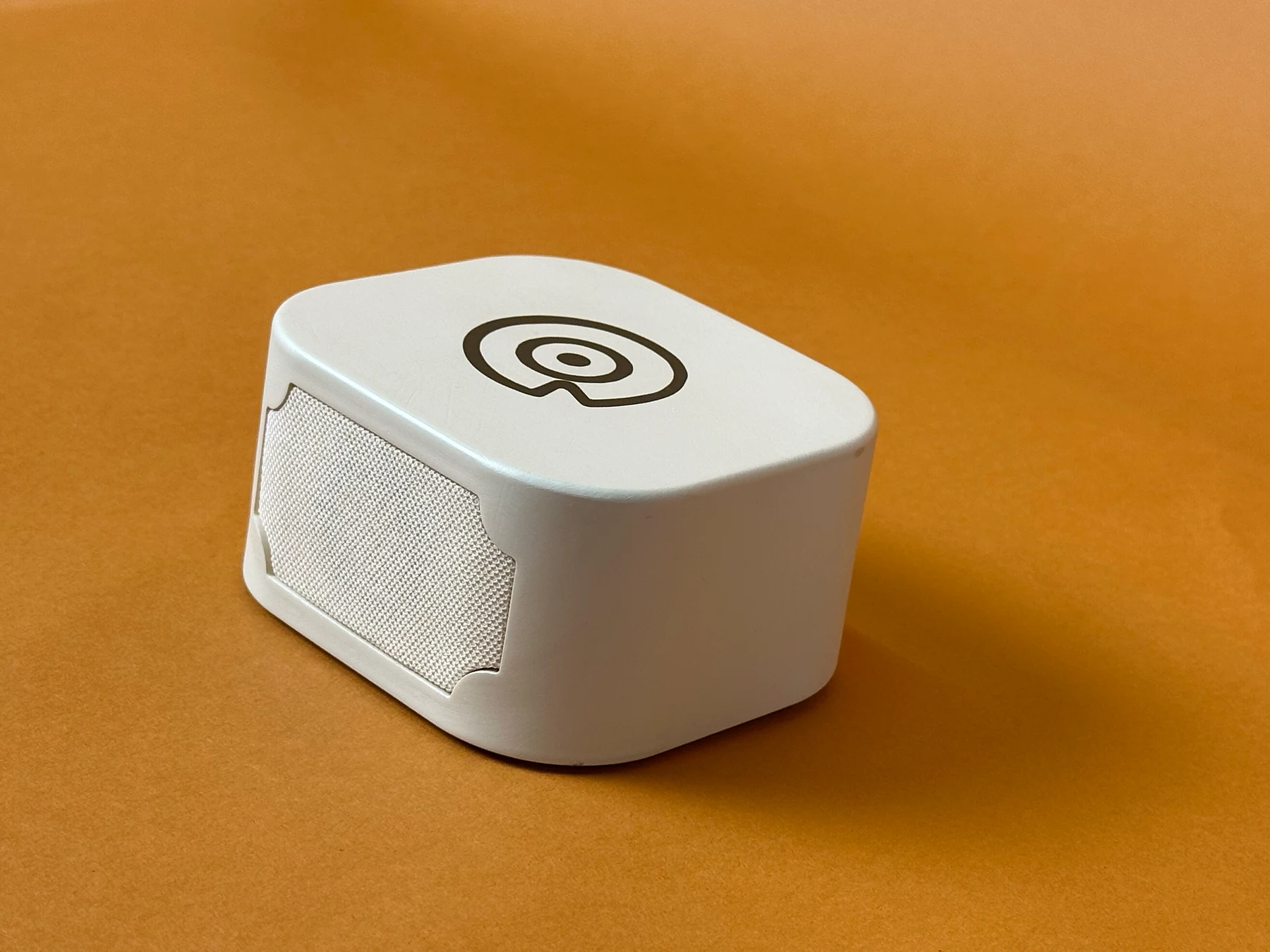
Story Dock concept showing rear USB-C direction

Story Dock

Low rectangular dock, built-in speaker, rear USB-C, and a forgiving top scan zone.

20 Story Stickers

Custom NFC stickers with quiet line-art faces, no visible QR block, and short support codes.

5 Memory Cards

A safer first path for old or irreplaceable photos that should not receive adhesive.

Prompt cards

First-story prompts, photo-safety guidance, and plain-language privacy/tag controls.

The stickers should look like keepsakes, not setup labels.

The visual language is sparse hand-drawn line art: small suns, flowers, mountains, cameras, and memory marks. The sticker face stays decorative and tappable. QR fallback lives on setup cards or backing sheets.

Minimal no-QR Story Sticker concept sheet

It started as a Raspberry Pi box for my kid. Then the Grandma version took over.

The open-source build still matters. It proves the simple magic: tap an NFC object on a little box and play the matching audio. The commercial Story Dock direction keeps that same physical ritual, but moves toward printed photos, family albums, and voice memories.

Read the open-source build notes

Questions the first version has to answer honestly.

Does this replace a phone app?

No. The phone is the best recording tool. Story Dock is the physical playback ritual for the photo album, table, or nightstand.

Do the stickers need QR codes?

Not on the decorative face. Modern phones can open an encoded NFC URL by tap. QR can stay on setup/support material as a fallback.

Should stickers go on original photos?

Use duplicate prints, sleeves, album pages, backing cards, or Memory Cards for anything irreplaceable.

Is it a toy?

The commercial direction is a family memory device with adult setup. The open-source kid character box remains a maker project and origin story.

Does it require a subscription?

The product policy is no required subscription for listening. Cloud helps with recording, syncing, backup, and larger projects, but a synced memory should keep playing from the dock's local cache.

Help test the first Story Dock.

The next useful signal is not a huge launch. It is a small group of people who know exactly whose voice they would save first.

This opens an email draft for now while the first private test group comes together.